- In the top navigation, click Program.
- Click the desired Program.

- Click Add/Remove Measures.

- In the Search measures field, enter the name of the desired measure, and then click the desired measure.
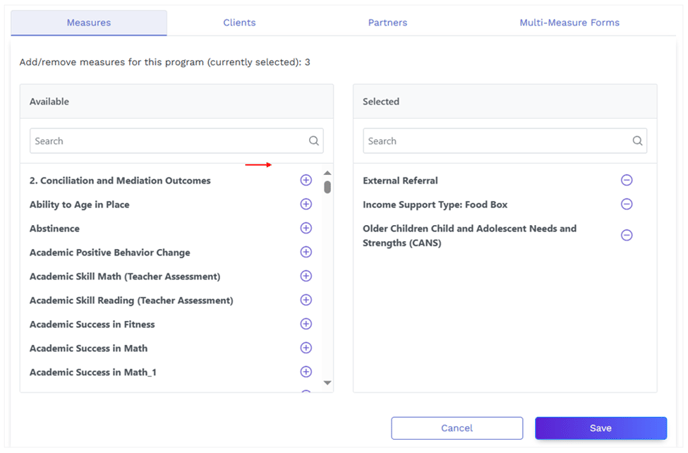
Note: You can also scroll through the measures alphabetically and then select the desired measure.
- Click Save. The measure is now assigned to the selected program.
English
